Band Seating Chart Maker
Draw curved rows around the conductor, set each row’s chair count, label instrument sections and number the chairs — then print a chart your players can read in black and white.
A band seating chart has a different job from a classroom plan: it shows sections, chair order and rows that curve around the podium. This band seating chart generator draws concentric rows, lets you set the number of chairs in each row, and labels every chair with its section and chair number — Fl 1, Fl 2, Cl 1 and so on.
Every band is different. The template is a starting point; directors decide where each section goes.
What this mode includes
- Curved rows
- Row distance and curve
- Sections with colors and codes
- Chair numbers
- Print on US Letter or A4, PNG, CSV and backup
- Free, no account, saved on your device
Controls built for bands.
-
Curved rows
Concentric rows around the conductor. Add or remove rows and set how many chairs each one holds.
-
Row distance and curve
Adjust each row’s distance from the conductor and how far it curves, up to a half circle.
-
Sections with colors and codes
Flute, Clarinet, Saxophone, Trumpet and more — each with a color and a short code, so charts still read without color.
-
Chair numbers
Chairs are numbered within each section, inner rows first and then left to right. Turn it off to show plain seat numbers.
-
Assign a whole row
Set the section for a whole row in one step, then adjust individual chairs.
-
Lock principal chairs
Lock first chairs and section leaders, then shuffle the rest of a section for sight-reading days.
How to make it, step by step
- Start from curved rows. Open the curved-row band template or start with new rows and set the chair count for each.
- Add sections. Use the common band sections or create your own, with a color and short code.
- Assign sections to chairs. Set a section for a whole row, then fine-tune individual chairs in their details.
- Add players. Paste names or import a CSV with an instrument column.
- Seat and lock. Seat players by hand, lock first chairs, and save the arrangement as a version for each concert.
- Print with a legend. Print in color or black and white; the legend lists each section’s code and name.
Example: a 52-player concert band
A director sets four rows of 9, 12, 15 and 16 chairs, adds eight sections and assigns them by row. Section chair numbers update automatically. First chairs are locked; for a sectional rehearsal she shuffles the unlocked clarinets and saves the result as “Sight-reading.”
For the concert program she prints the chart in black and white with the legend, and an alphabetical list for the stage crew.
Names and people in examples are fictitious.
Templates to start from
Each opens as a real chart you can change. Try it with sample names, or start empty.
-
Curved-row band
Four curved rows around the conductor with eight labelled sections and chair numbers. Edit every row’s chair count.
-
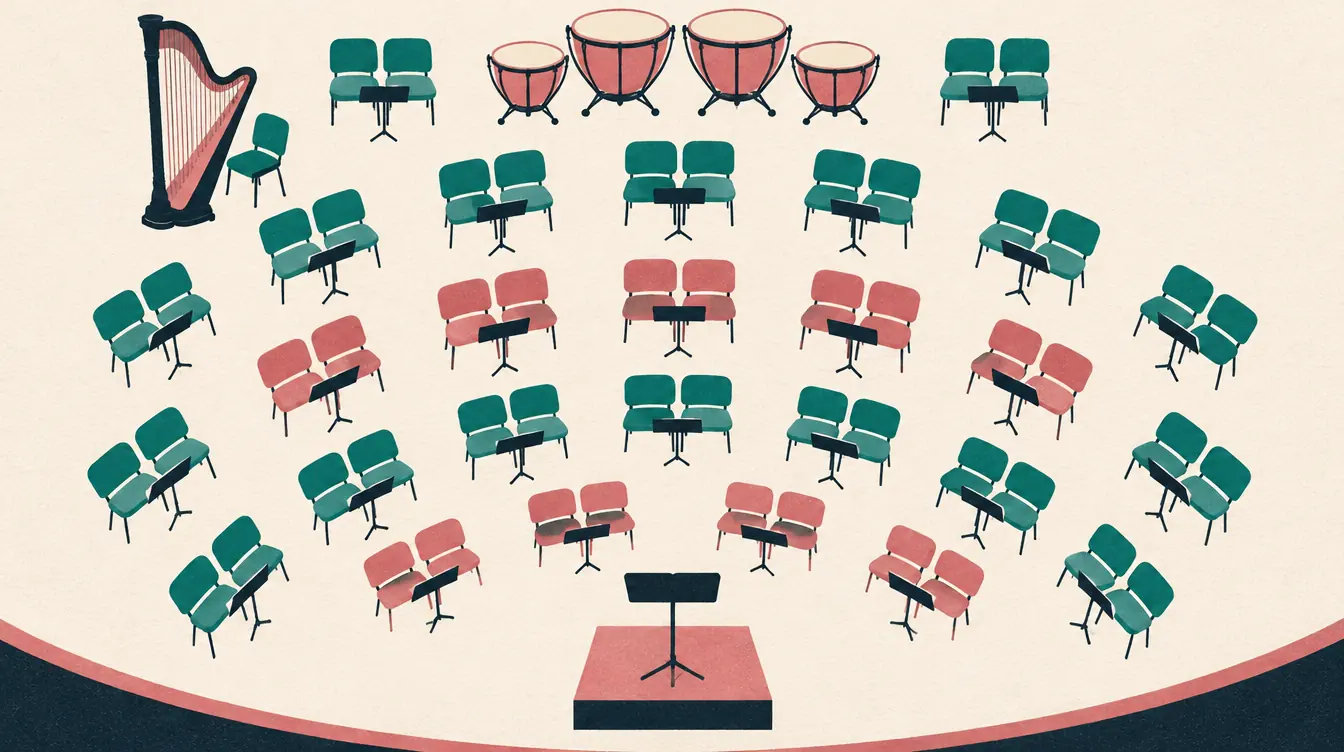
Orchestra sections
Strings in the front arcs with music stands shared by pairs, winds, brass and percussion behind. Prints with a legend.
Printing tips
- Landscape suits wide curved rows. If names get small, print with short names or split the chart across two pages.
- Black-and-white printing keeps the section codes, so nothing depends on color.
- The legend lists every section that appears on the chart.
More detail: How to print a seating chart on Letter or A4 paper.
Limits, stated plainly
- Rows are drawn as arcs around one conductor position; risers and stage depth are not modeled.
- Percussion setups and equipment are shown only as labels.
- The tool doesn’t prescribe a “correct” band setup.
Guides for this kind of chart
-
 Music
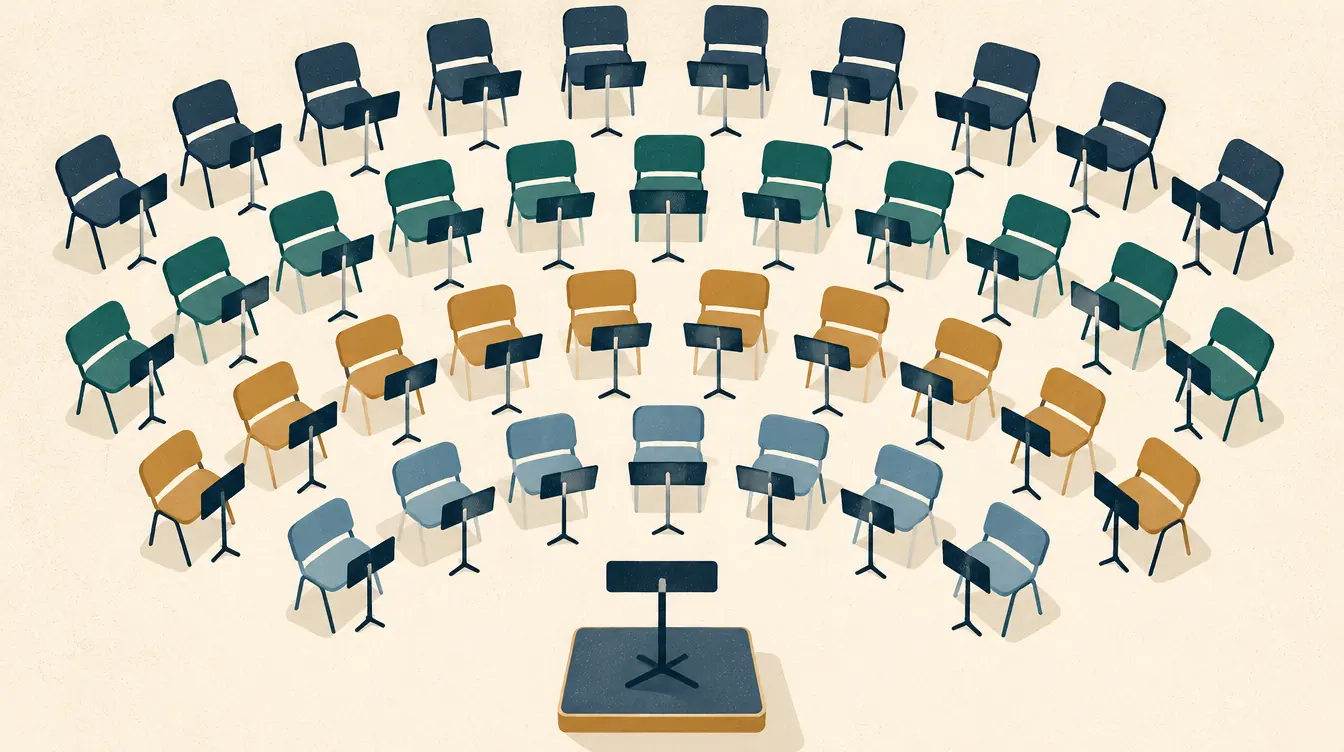
How to Create a Band Seating Chart
Create a band seating chart with curved rows, chair counts, instrument sections, chair numbers and a black-and-white legend — a step-by-step guide for directors.
-
 Music
How to Create an Orchestra Seating Chart
Build an orchestra seating chart with string sections, shared music stands, winds, brass and percussion rows, section chair numbers and a printable legend.
-
 Classroom
How to Change Seats While Keeping Selected Assignments
Rearrange a seating chart without moving the people you placed on purpose. Lock seats, shuffle the rest, avoid repeat neighbors and compare versions.
-
 Printing & files
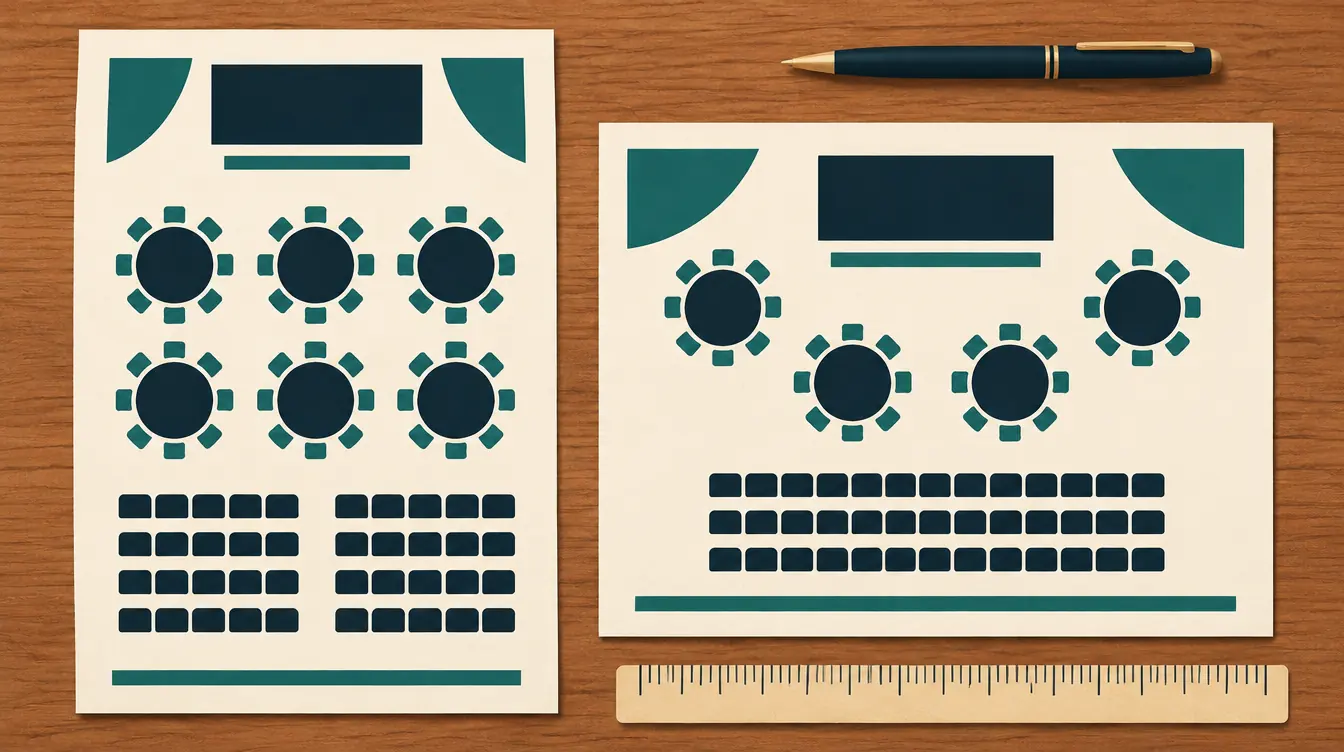
How to Print a Seating Chart on Letter or A4 Paper
Print a readable seating chart on US Letter or A4 — choose orientation, split large plans across pages, save as PDF, and print name lists and name cards.
-
 Planning
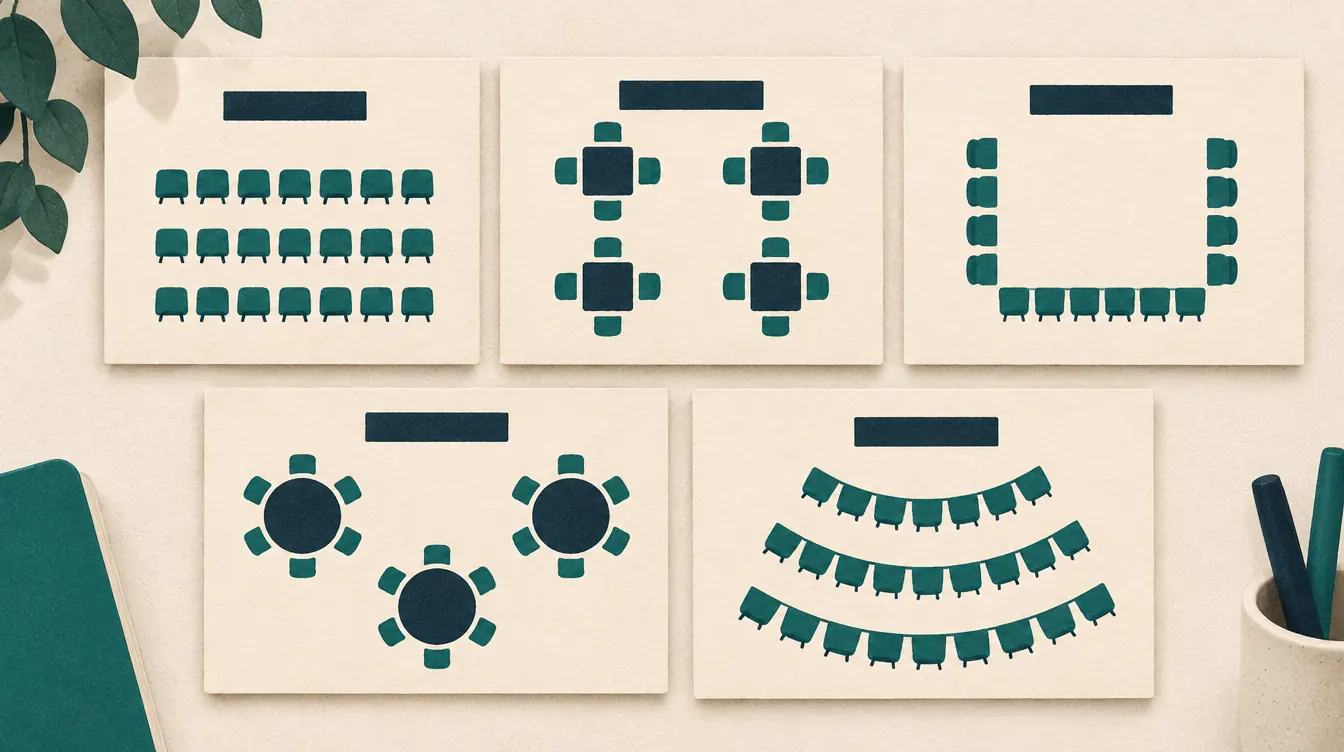
How to Choose and Customize a Seating Chart Template
Pick the right seating chart template for a classroom, wedding, event, band or orchestra, then customize seats, tables, labels and rules to fit your real room.
-
 Printing & files
How to Back Up Seating Charts and Move Them Between Devices
Your seating charts are saved in your browser. Learn how backups work, how to move charts to another device or person, and how to recover from storage problems.
Questions about the band seating chart maker
Can I change how many chairs are in each row?
Yes. In Layout › Rows, each row has its own chair count. Reducing a row asks first if it would unseat players, and returns them to the unassigned list.
How are chair numbers worked out?
Within each section, inner rows come first, then chairs left to right. You can turn section numbering off to show plain seat numbers instead.
Will the chart work in black and white?
Yes. Every section has a short code printed on each chair, and the legend lists code and name.
Is there a standard band seating arrangement?
No single one. Directors seat bands differently depending on the room, the ensemble and the music. Use the template as a starting point.
Looking for something else? See the free seating chart maker overview, the FAQ or help.
Start your band chart.
Free, no account, saved on your device. Print on Letter or A4 when it’s ready.