Wedding Seating Chart Maker
Plan reception tables without a spreadsheet maze. Import your guest list with households, keep families together, keep a few people apart, and print the guest index, table lists and name cards — free.
Wedding seating is about people more than furniture: who came together, who gets along, who needs to be near the exit or the dance floor. This free wedding seating chart maker treats households and parties as first-class information, so keeping a family at one table is a click, and splitting one is always visible.
It is also honest about the day itself. Everything you print — the chart, the alphabetical “find your seat” list, the table lists for the venue and the name cards — comes from the same plan, so they always agree.
What this mode includes
- Round and long tables
- Custom table names
- Households and parties
- Keep apart, at table level
- Print on US Letter or A4, PNG, CSV and backup
- Free, no account, saved on your device
Controls built for weddings.
-
Round and long tables
Rounds of any size, long rectangular tables with seats at the ends, a head table and a dance-floor or stage marker.
-
Custom table names
Rename tables after places, songs or anything you like. Names appear on the plan, the lists and the name cards.
-
Households and parties
Give each guest a household (or import it from a CSV column). One click adds a “same table” preference for every household.
-
Keep apart, at table level
“Keep apart” means different tables by default at a wedding. Make it a must, and no shuffle or drag will put those guests together.
-
Guest index and table lists
Print an alphabetical “find your seat” list for the entrance and a table-by-table list for the venue coordinator.
-
Name cards
Fold-in-half cards, four to a page, with the guest’s name and table. Long names shrink to fit instead of being cut off.
How to make it, step by step
- Choose tables. Start from the round-table or long-table template, or set the number of tables and guests per table yourself.
- Import your guest list. Paste names or import a CSV. Map an optional Household or Party column. Nothing is uploaded.
- Keep households together. In Layout › Households, add “same table” preferences for every household with two or more guests.
- Add a few must-rules. Add keep-apart rules for anyone who shouldn’t share a table. Keep the list short.
- Seat everyone, then fine-tune. Use “Seat everyone who needs a seat,” then adjust by tapping a guest and a seat.
- Print the stationery. Print the chart, the guest index, the table lists and name cards on Letter or A4.
Example: 72 guests, eight tables and a head table
A couple imports 72 guests with a household column, picks eight rounds of eight plus a head table, and renames the rounds after cities they’ve visited. Household preferences keep 19 families together; two must-rules keep a pair of relatives at different tables. One click seats everyone; they then move a few friends by hand.
Before printing, the check warns that two guests are both called “Chris Taylor.” They add short names so the guest index and name cards are unambiguous.
Names and people in examples are fictitious.
Templates to start from
Each opens as a real chart you can change. Try it with sample names, or start empty.
-
Round-table wedding
A head table and eight rounds of eight. Rename tables, keep households together and print name cards.
-
Rectangular-table wedding
Four long family-style tables of sixteen, including seats at each end, beside a dance floor marker.
Printing tips
- Print the alphabetical guest index in large type for the entrance table — it shows table names only, which is what guests need.
- Give the venue a table-by-table list; it matches the chart exactly.
- Name cards print four per page with a dashed fold line; turn on “Background graphics” only if you want colors.
- Use short names on the chart if many guests share names; lists can still show full names.
More detail: How to print a seating chart on Letter or A4 paper.
Limits, stated plainly
- The tool doesn’t manage RSVPs, meals or invitations — import the final guest list when you have it.
- Table positions are a planning sketch, not a venue floor plan; confirm spacing and capacity with your venue.
- Charts are stored in this browser. Share a backup file with your partner or planner so you both have a copy.
Guides for this kind of chart
-
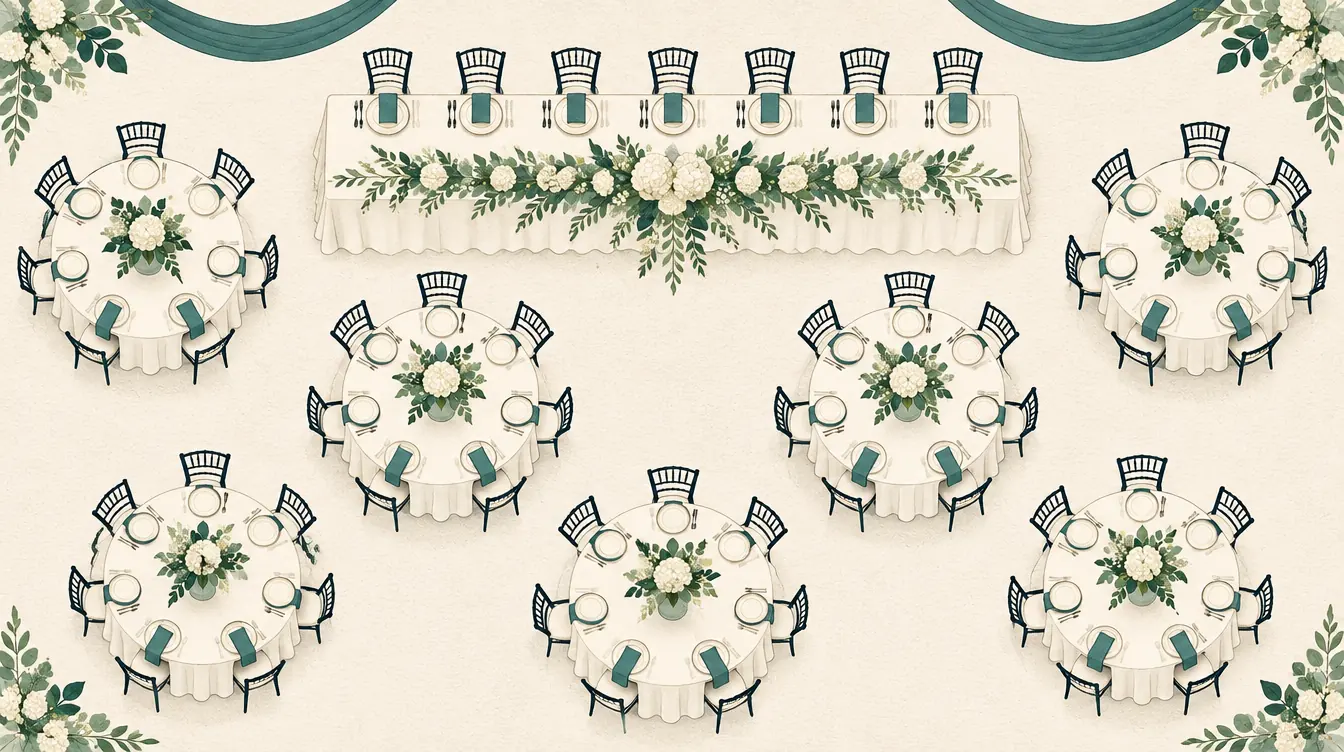 Wedding
How to Organize Wedding Tables and Guest Lists
Organize wedding tables step by step — import guests with households, keep families together, keep a few people apart, and print the guest index and name cards.
-
 Wedding
How to Make Wedding Name Cards and a Find-Your-Seat List
Print wedding name cards, escort cards and an alphabetical find-your-seat list from your seating chart — formats, paper, fonts, folding and avoiding duplicate names.
-
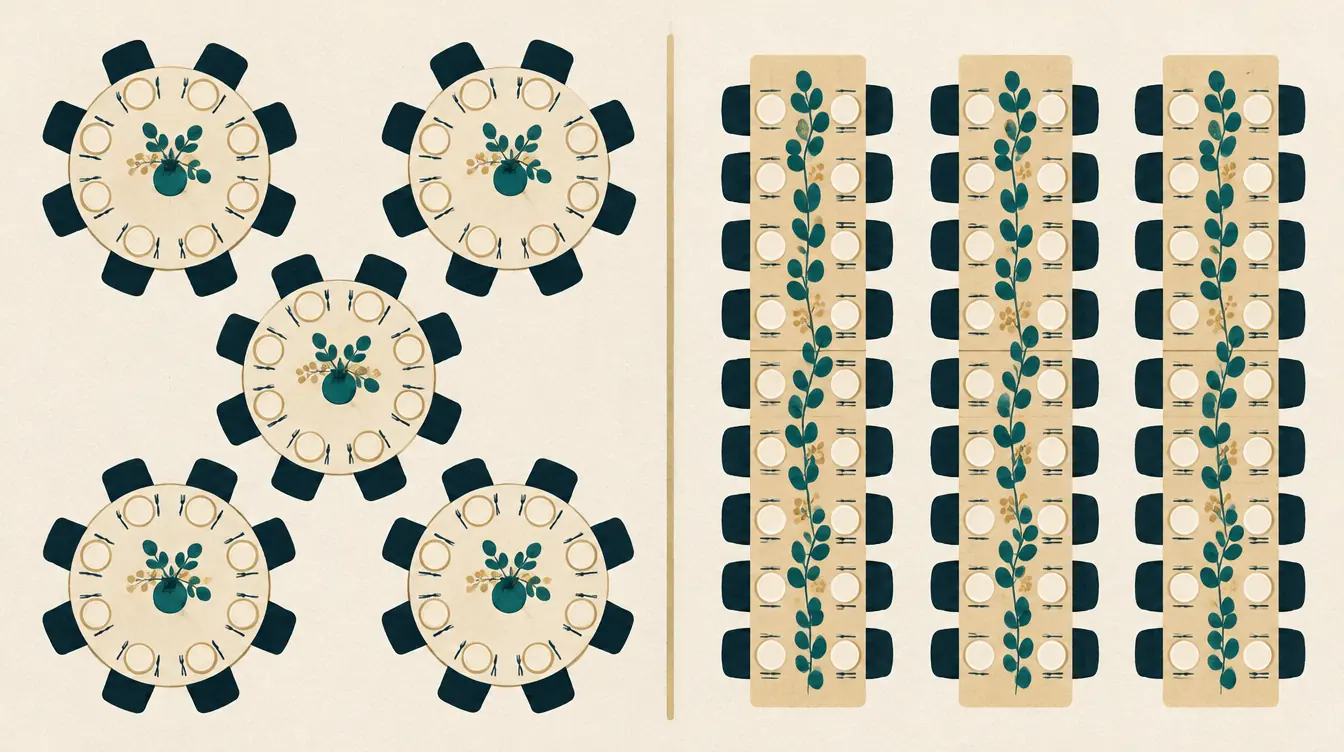 Wedding
Round vs Rectangular Tables: Planning Wedding and Banquet Layouts
Compare round and rectangular tables for weddings and banquets — conversation, capacity, sightlines and flexibility — and how to plan either in a seating chart.
-
 Planning
How to Use Keep-Apart and Sit-Together Rules Well
Write seating rules that help instead of hurt — what keep apart, sit together, preferred area and avoid previous neighbors mean, and when to use must vs preference.
-
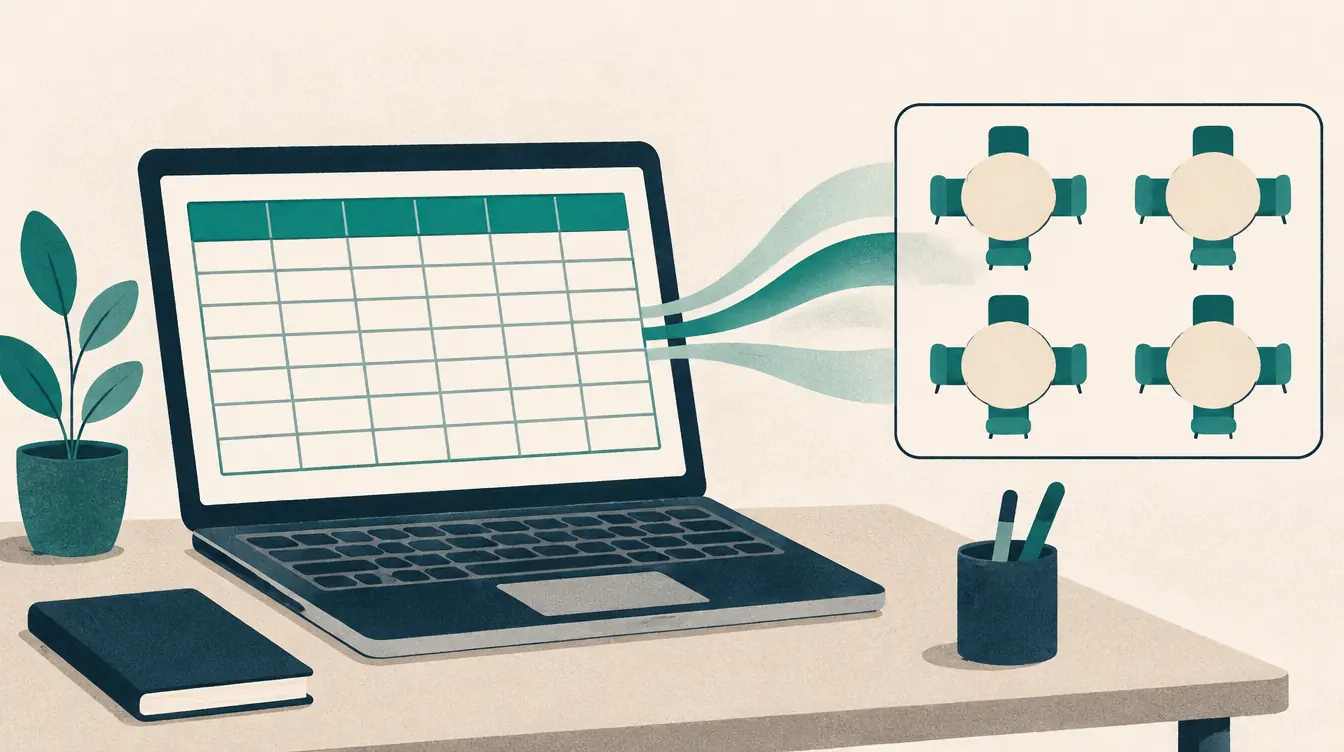 Printing & files
How to Import a Roster from a CSV File
Import a class roster or guest list from a CSV file into a seating chart — export from Excel or Google Sheets, map columns, keep commas and Unicode names intact.
-
 Printing & files
How to Print a Seating Chart on Letter or A4 Paper
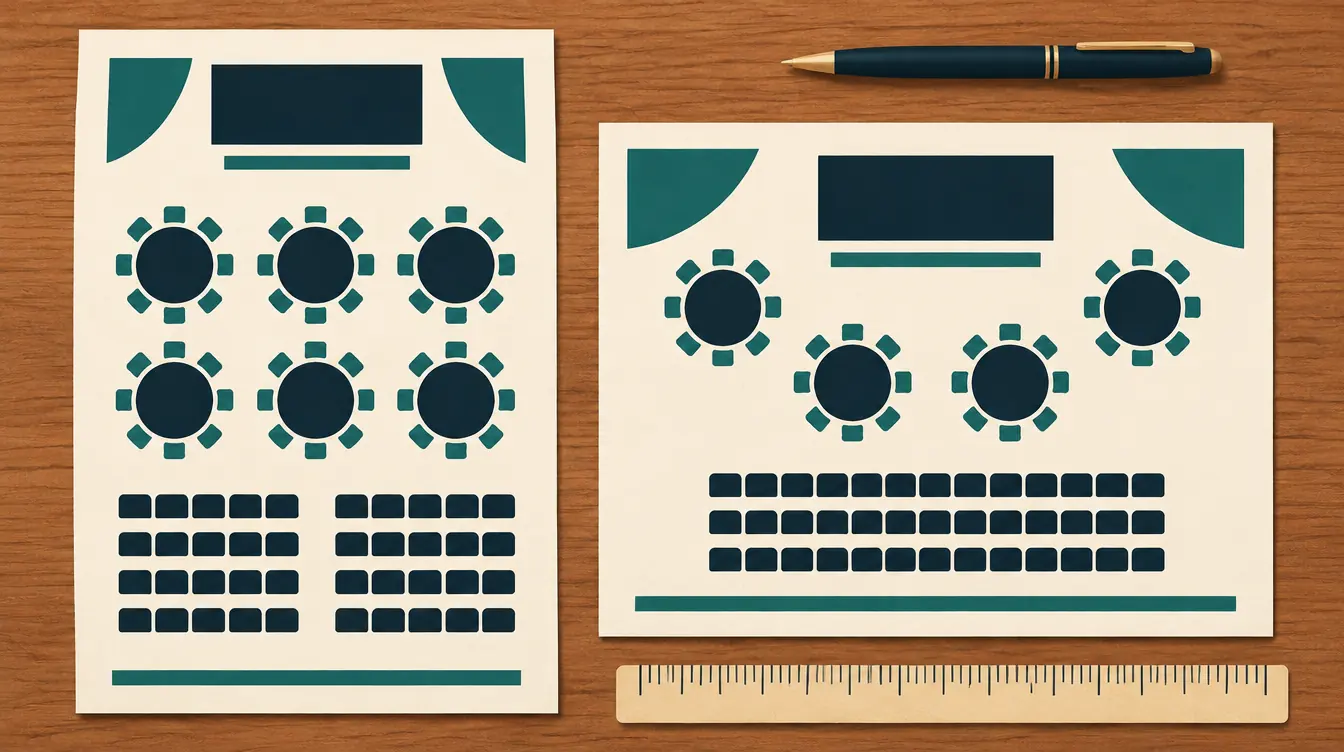
Print a readable seating chart on US Letter or A4 — choose orientation, split large plans across pages, save as PDF, and print name lists and name cards.
Questions about the wedding seating chart maker
Is the wedding seating chart maker free?
Yes — including name cards, guest lists and backups. There is no premium tier and no watermark on anything you print.
Can I keep families at the same table?
Yes. Give guests a household, then use Keep households together. Each household gets a “same table” preference; make any of them a must in Rules. If a household is split, it is shown as a warning.
How do I share the chart with my partner or planner?
Download a backup (.json) and send it to them; they open it with “Open a backup.” There are no public share links, so your guest list never sits on a server.
Can I print escort cards or a find-your-seat board?
Print the alphabetical “find your seat” list for an entrance board, and fold-in-half name cards for place settings or an escort-card table.
What if more guests RSVP than I have seats?
Automatic seating fills every open seat and lists everyone still waiting by name. Add a table or seats, then seat the rest.
Looking for something else? See the free seating chart maker overview, the FAQ or help.
Start your wedding chart.
Free, no account, saved on your device. Print on Letter or A4 when it’s ready.