Event Seating Chart Maker
Plan seating for banquets, award dinners, training days, talks and ceremonies. Generate rows or tables, reserve seats, mark the stage and print organizer lists — free and without an account.
Events vary more than classrooms or weddings: a keynote needs theater rows, a gala needs round tables, a workshop needs tables facing a screen. This event seating chart maker generates each of those layouts from a few numbers, then lets you reserve seats, block unusable ones and place speakers or guests where they need to be.
Organizers get the paperwork they need from the same plan: a chart for the door, an A–Z attendee list, and a table or row list for staff.
What this mode includes
- Layout generator
- Reserved seats
- Blocked seats
- Stage and markers
- Print on US Letter or A4, PNG, CSV and backup
- Free, no account, saved on your device
Controls built for events.
-
Layout generator
Theater rows with lettered rows, banquet round tables, training tables or one long meeting table — set the counts and preview before applying.
-
Reserved seats
Hold seats for speakers, sponsors or late registrations. Automatic seating skips them; you can still seat someone there yourself.
-
Blocked seats
Mark seats behind a pillar or near equipment as blocked. Nobody can be seated there.
-
Stage and markers
Add a stage, screen, doors and text labels so the plan reads the right way round.
-
Groups and companies
Import a company or group column and keep colleagues together with “same table” rules.
-
Organizer printouts
Chart, A–Z “find your seat” list, table-by-table list and name cards from one plan.
How to make it, step by step
- Generate a layout. Choose theater rows, banquet tables, training tables or a meeting table and set the counts.
- Mark the room. Add the stage, doors and labels. Reserve seats for speakers or VIPs.
- Import attendees. Paste names or import a CSV with an optional company or group column.
- Seat everyone. Seat attendees automatically, keeping groups together, then adjust by hand.
- Check readiness. Confirm who still needs a seat and which reserved seats are deliberately empty.
- Print for staff. Print the chart and lists on Letter or A4, or export a CSV for your registration desk.
Example: a 200-guest awards dinner
An organizer generates 20 round tables of ten, reserves Table 1 for the award winners, and imports 186 attendees with a company column. Same-table preferences keep each company together; two companies that compete are kept apart with a must-rule at table level. Automatic seating places everyone outside Table 1, and the readiness check shows ten reserved seats empty on purpose — not a mistake.
The CSV export goes to the registration desk; the A–Z list goes on an easel by the door.
Names and people in examples are fictitious.
Templates to start from
Each opens as a real chart you can change. Try it with sample names, or start empty.
-
Training room
Eight three-person tables in four rows facing a presenter. Works for workshops and staff training.
-
Small dinner
One table of twelve with a seat at each end. For rehearsal dinners, team dinners and celebrations.
-
Theater-style rows
Six lettered rows of ten facing a stage. For talks, ceremonies, assemblies and screenings.
Printing tips
- For large rooms, split the chart across two or three pages; splits fall between tables or rows.
- The A–Z list prints table names next to each attendee — fastest for a check-in desk.
- Use the CSV for badge printing or a registration spreadsheet; columns are documented and stable.
More detail: How to print a seating chart on Letter or A4 paper.
Limits, stated plainly
- Layouts are planning aids. They don’t measure venue capacity, aisle widths or fire-code compliance.
- Up to 400 people and 600 seats per chart; events of 200 are within the tested range.
- There is no ticketing, payment or registration — import your final attendee list.
Guides for this kind of chart
-
 Events
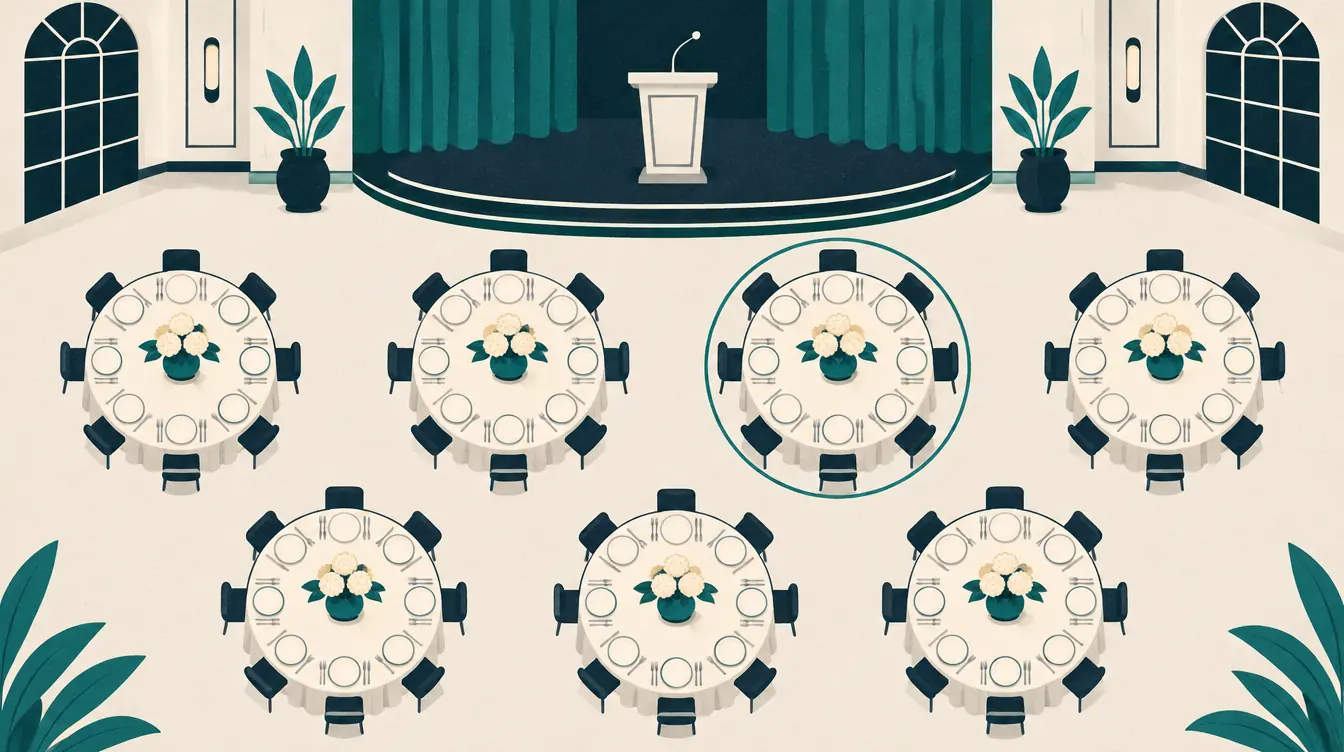
How to Plan Event Seating for Banquets, Meetings and Talks
Plan event seating for banquets, conferences, training days and ceremonies — pick a layout, reserve seats, keep groups together and print organizer lists.
-
 Wedding
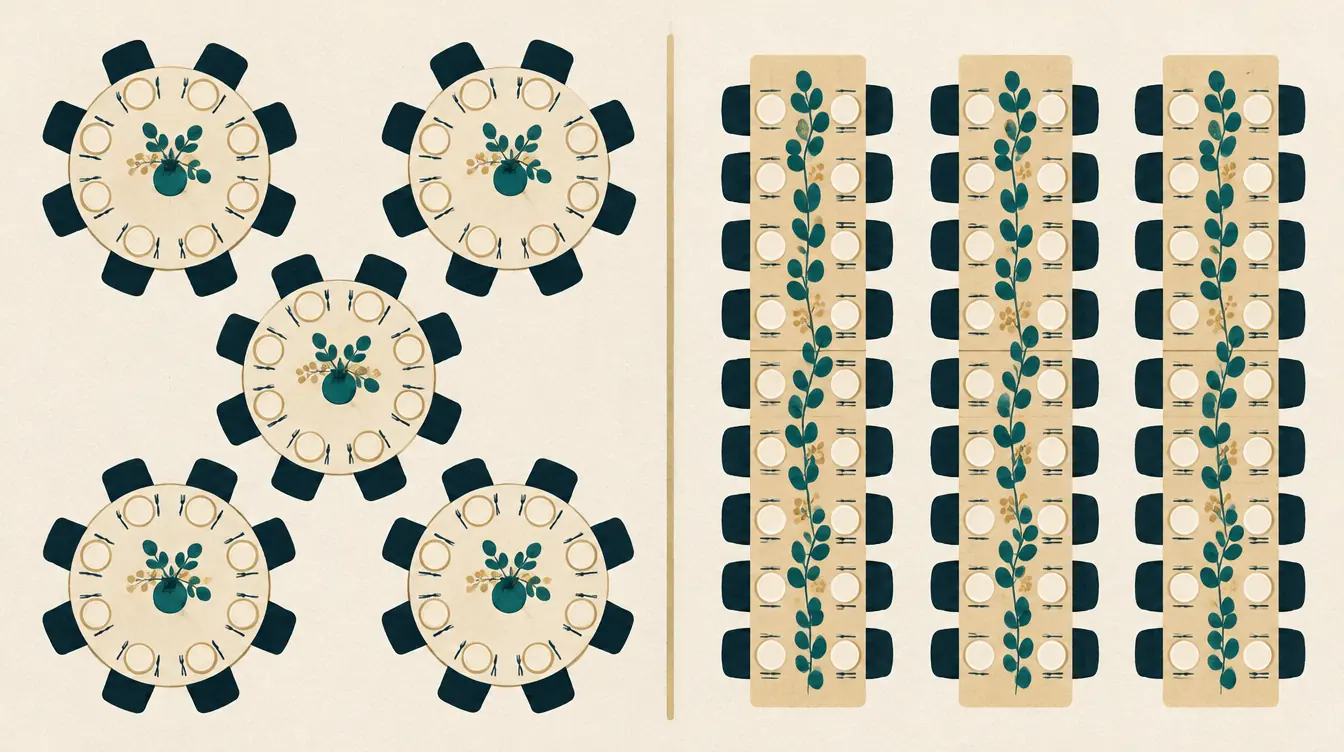
Round vs Rectangular Tables: Planning Wedding and Banquet Layouts
Compare round and rectangular tables for weddings and banquets — conversation, capacity, sightlines and flexibility — and how to plan either in a seating chart.
-
 Wedding
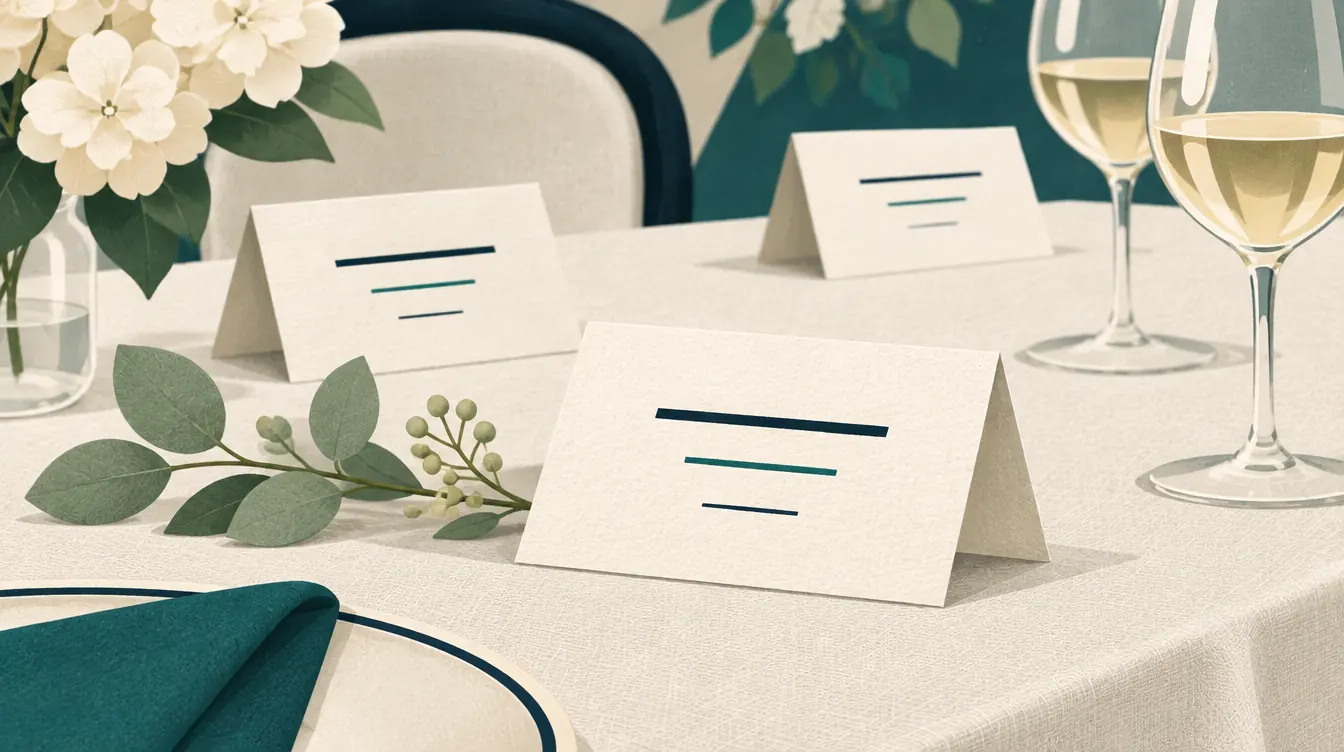
How to Make Wedding Name Cards and a Find-Your-Seat List
Print wedding name cards, escort cards and an alphabetical find-your-seat list from your seating chart — formats, paper, fonts, folding and avoiding duplicate names.
-
 Printing & files
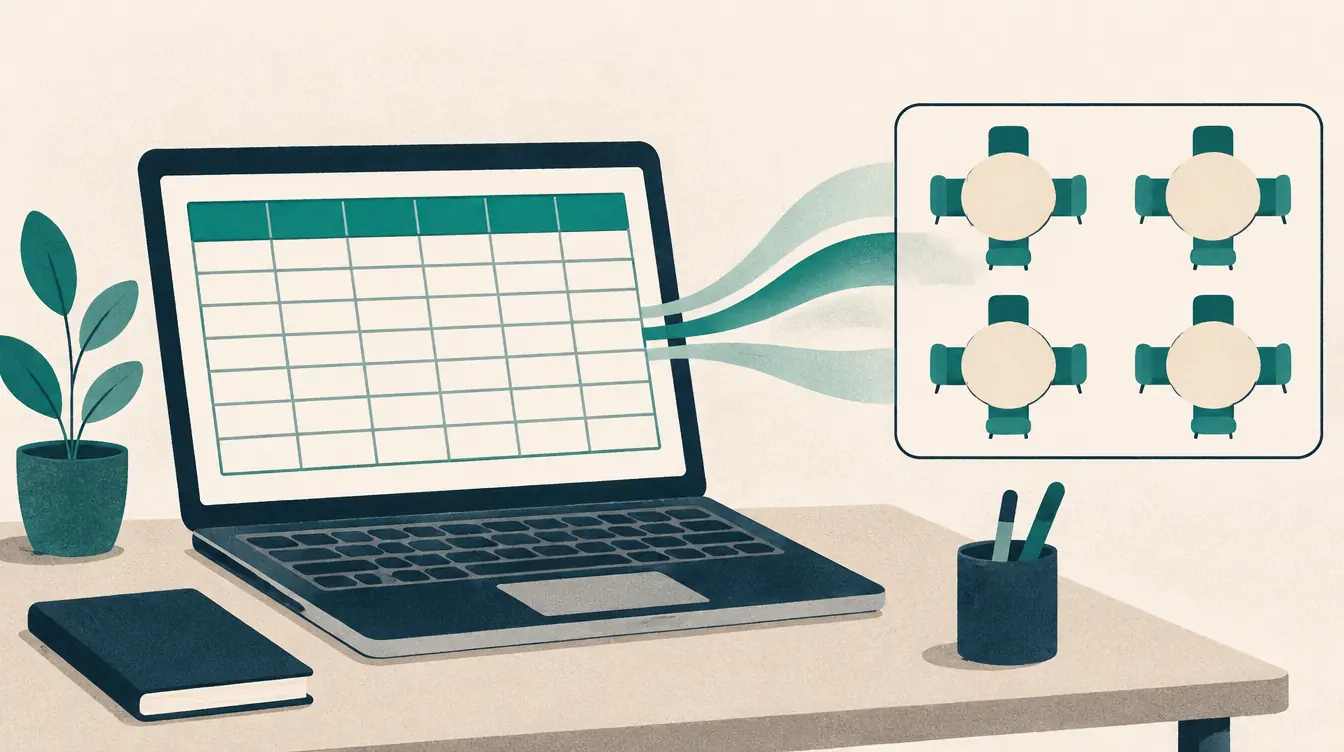
How to Import a Roster from a CSV File
Import a class roster or guest list from a CSV file into a seating chart — export from Excel or Google Sheets, map columns, keep commas and Unicode names intact.
-
 Printing & files
How to Print a Seating Chart on Letter or A4 Paper
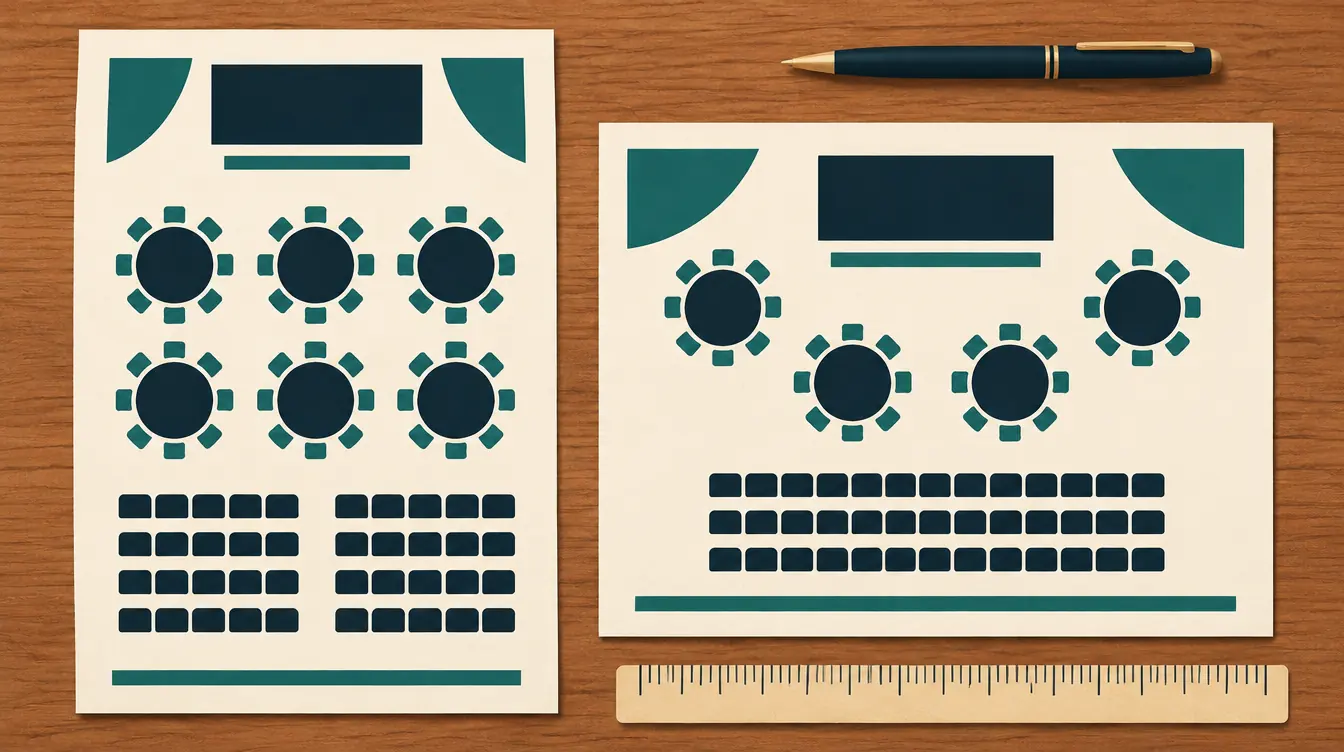
Print a readable seating chart on US Letter or A4 — choose orientation, split large plans across pages, save as PDF, and print name lists and name cards.
-
 Printing & files
How to Back Up Seating Charts and Move Them Between Devices
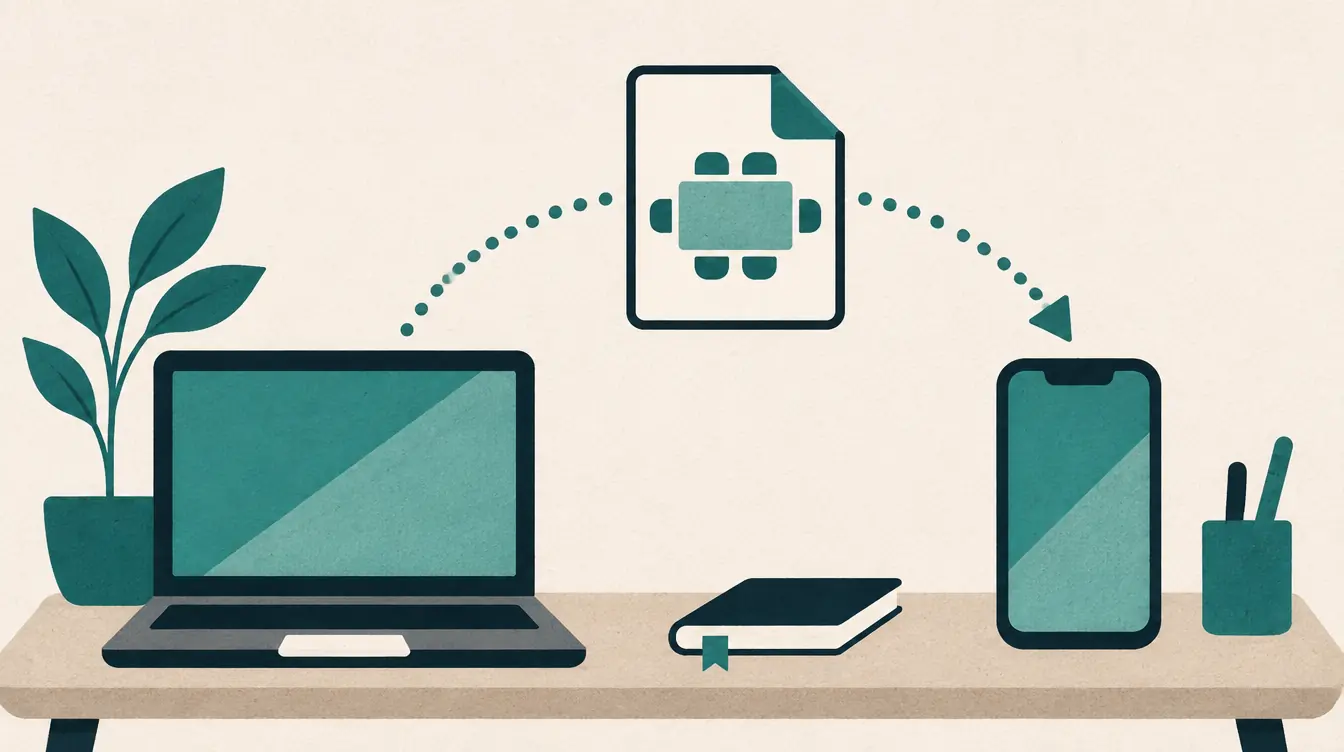
Your seating charts are saved in your browser. Learn how backups work, how to move charts to another device or person, and how to recover from storage problems.
Questions about the event seating chart maker
Can I reserve seats for VIPs or speakers?
Yes. Select a seat and set it to Reserved. Automatic seating leaves it alone, and the readiness check counts it as empty on purpose rather than as a problem.
Does it work for a conference with rows instead of tables?
Yes. Generate theater rows; rows are lettered (Row A, Row B…) and seats are numbered, which also works for ceremonies and screenings.
Can I export the seating for my registration desk?
Download the CSV: one line per seat with seat number, table or row, name, group and status, plus a list of anyone without a seat.
Is the room drawn to scale?
No. The plan shows relative positions so people can find their seats. Always confirm capacity and spacing with your venue.
Looking for something else? See the free seating chart maker overview, the FAQ or help.
Start your event chart.
Free, no account, saved on your device. Print on Letter or A4 when it’s ready.