How Often Should You Change Classroom Seats?
There is no universal answer to how often seats should change. Teachers who change weekly and teachers who change once a term both run excellent classrooms. What matters is that the rhythm is deliberate, predictable for students and cheap for you to carry out.
This guide offers a practical way to choose a rhythm, and shows how the free classroom seating chart maker makes any rhythm quick.
The honest short answer
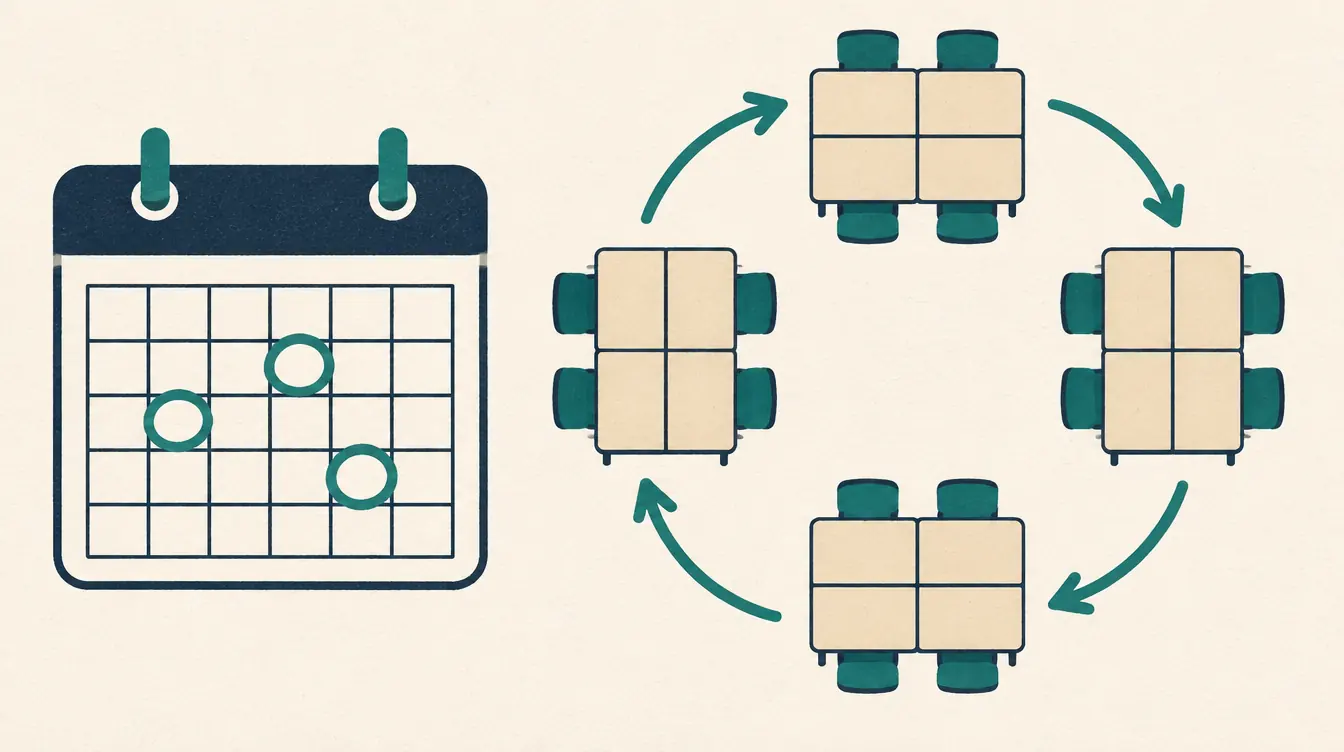
Change seats when the reason for the current plan has run out — at the end of a unit, a project, a grading period, or when a layout stops working. Many teachers settle on every three to six weeks, plus changes when the layout changes. Choose a rhythm you can keep, and tell students when the next change is.
We don’t cite a “best” interval because we know of no evidence that one interval suits every class. Your knowledge of your students outweighs any rule of thumb.
Questions that help you decide
| Question | Leans toward changing more often | Leans toward changing less often |
|---|---|---|
| How old are the students? | Older students who handle change easily | Younger students who rely on routine |
| What’s the layout? | Rows and pairs, where neighbors are the main interaction | Pods running a long project |
| How settled is the class? | Settled, with good routines | New class, routines still forming |
| What’s coming up? | A new unit or project | Assessments, where stability helps |
| How long does a change take you? | A few minutes | An hour of redrawing |
The last question is the one a tool changes. If rearranging takes three minutes, the decision becomes purely about what’s good for the class.
A simple rotation plan
- Start of term: a carefully placed plan. Lock the few seats that matter. Save it as a version, e.g. “Term start.”
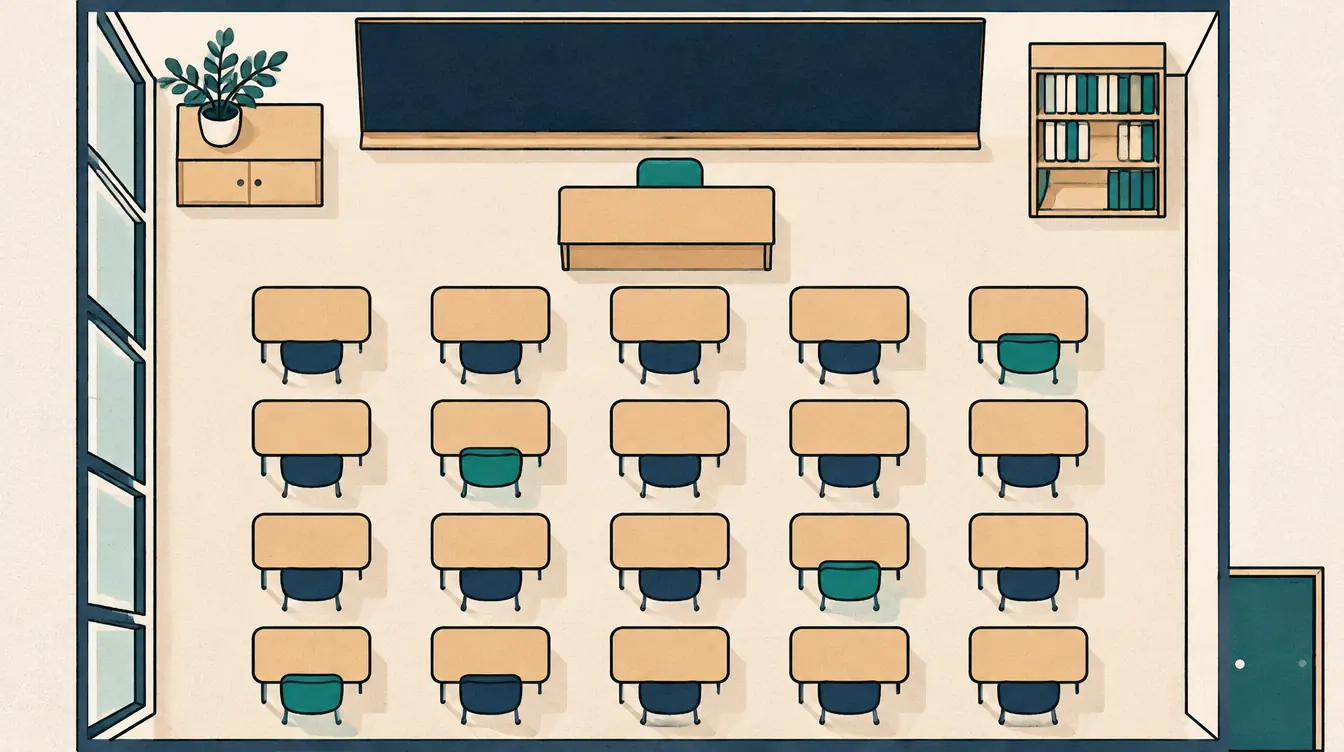
- After three to six weeks: shuffle unlocked seats with an avoid previous neighbors preference that compares with “Term start.” Save as “Rotation 2.”
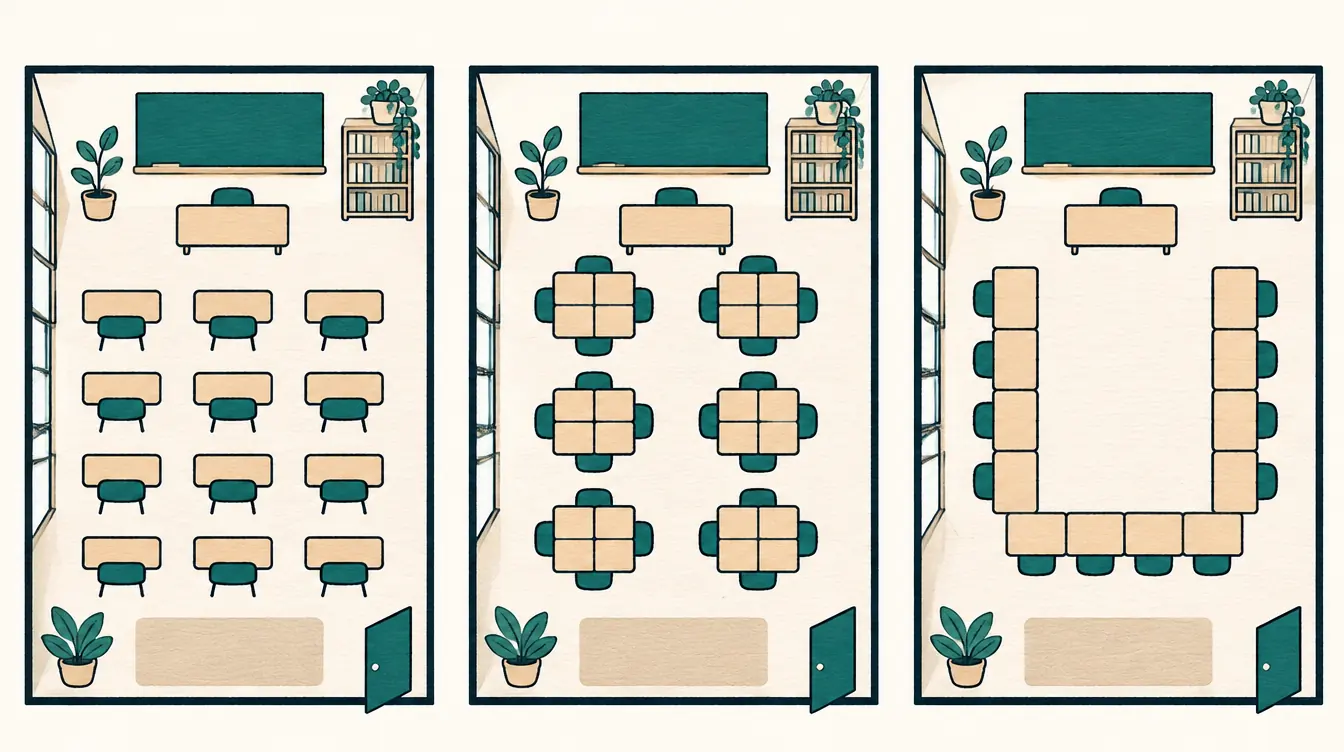
- At each new unit or project: consider a layout change (rows to pods, for example). Keep both layouts as separate charts if you switch back and forth.
- Every rotation: compare with the previous version and post the changes, or just print the new chart.
- End of term: download a backup; it holds every version.
Avoiding repeat neighbors
The avoid previous neighbors preference is what makes regular rotation feel fresh:
- Add it in Rules, choose the version to compare with, and leave the people list empty to apply it to everyone.
- It’s a preference. In a small room, some repeats can’t be avoided, and the tool tells you how many remain.
- “Neighbors” uses the measured adjacency of your layout. Select a desk and switch on Show which seats count as adjacent to see exactly which desks count.
To avoid repeats across several rotations, update the rule each time to compare with the most recent version.
Keeping what works
Not every student needs to move. Lock:
- students who need to see or hear the front clearly,
- students who need to sit near the door,
- new arrivals during their first weeks,
- pairs or groups in the middle of a project.
Unlock them when the reason ends, so locks don’t quietly limit future rotations. How to Change Seats While Keeping Selected Assignments explains locks in detail.
Telling students
Predictability reduces friction. Some teachers:
- announce the next seating change a few days ahead,
- change seats on the same weekday each time,
- display the new chart on the board as students arrive (PNG export works well for projectors).
How long a rotation takes
With a chart already set up, a rotation is:
- Save the current plan as a version — 10 seconds.
- Update the avoid previous neighbors rule — 20 seconds.
- Shuffle, check, adjust one or two seats — 1–2 minutes.
- Print or export a PNG — 30 seconds.
Related
- Rows, Pods, or a U-Shape: Choosing a Classroom Layout
- How to Use Keep-Apart and Sit-Together Rules Well
Put this guide into practice — it’s free and takes a few minutes.
Open the templateNew here? Read the complete guide to the free seating chart maker or the Classroom seating chart maker page .