Seating Chart Generator vs Spreadsheet vs Paper
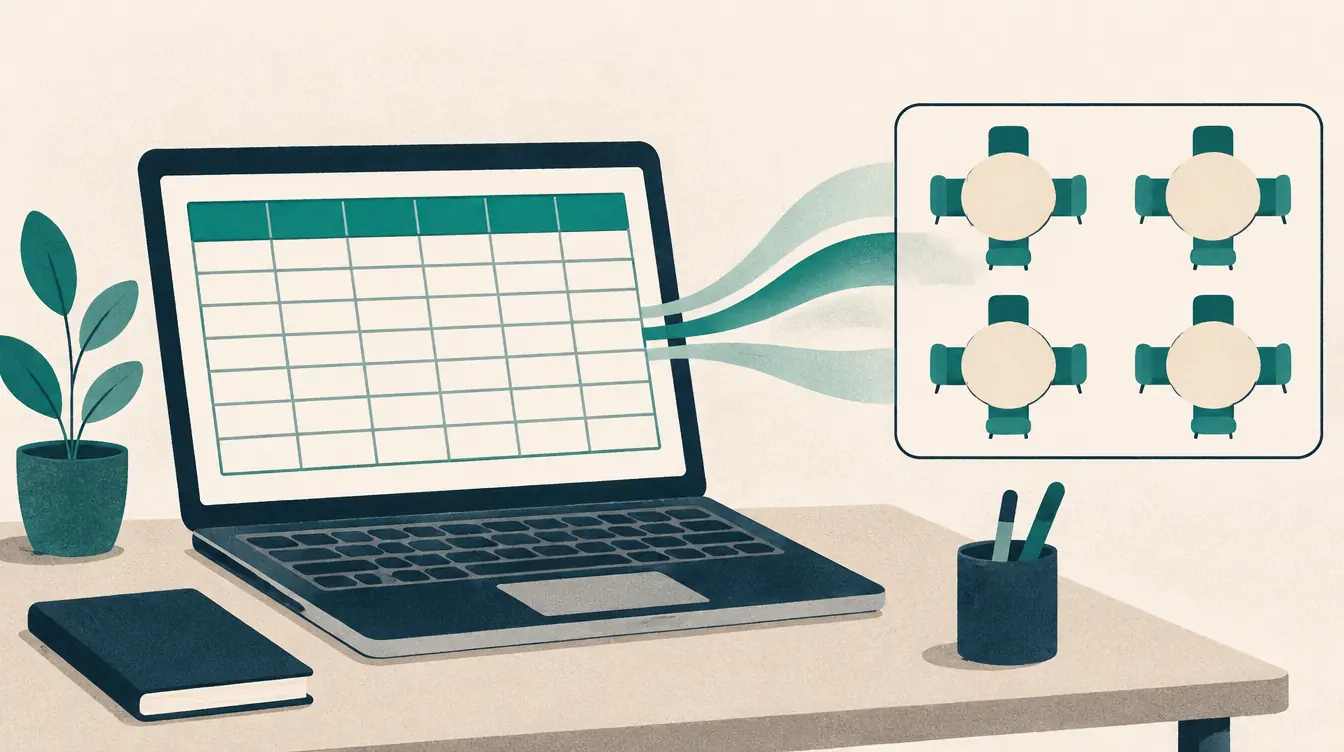
You don’t need special software to make a seating chart. Paper works. Spreadsheets work. A dedicated seating chart generator is one more option, and it isn’t always the right one. This comparison is meant to help you choose honestly.
The quick verdict
Use paper for a one-off, small room you'll never change. Use a spreadsheet when the list matters more than the room. Use a seating chart generator when the room, the rules and the revisions matter — classes that change seats, weddings with households, events with reserved seats, ensembles with sections.
Feature by feature
| Paper | Spreadsheet | Seating chart generator | |
|---|---|---|---|
| Setup time | Seconds | Minutes | Minutes (templates) |
| Represents the room | Freehand sketch | Cells approximate a grid | Desks, tables, rows, curves |
| Keep-apart / sit-together | In your head | Manual or formulas | Checked automatically |
| Reshuffle, keeping some seats | Redraw | Copy and paste | Locks and one tap |
| Revisions and history | Photocopies | Copies of the file | Versions with comparison |
| Find a person | Scan | Search | Search and highlight |
| Name cards, A–Z lists | Separate work | Separate work | Printed from the same plan |
| Print quality | Your handwriting | Grid printing | Letter/A4, split pages |
| Works on a phone | Yes | Awkward | Yes |
| Privacy | Physical copy | Depends where it’s stored | Stays in your browser here |
| Cost | Paper | Usually free | Free here |
When paper wins
- A single small group you’ll seat once.
- Planning with others around a table, physically moving sticky notes.
- No device at hand.
Paper’s weakness is change: every revision means redrawing, and there’s no way to check rules or find a name quickly.
When a spreadsheet wins
- You need the list for other things: RSVPs, meals, attendance, contact details.
- You’re comfortable with formulas and the room is a simple grid.
- You need to share an editable list with several people at once.
Spreadsheets are weak at geometry. A round table, a pod or a curved band row doesn’t fit cells, and “next to” is hard to express.
You can use both: keep the master list in your spreadsheet, export it as CSV and import it into the seating chart. When the plan is done, export a CSV of seat assignments back into your spreadsheet. Columns are stable and documented.
When a generator wins
- Rules matter: people who must sit apart, households that should stay together.
- The plan will change: rotations, late RSVPs, auditions.
- You need several printed pieces that must agree: chart, lists, name cards.
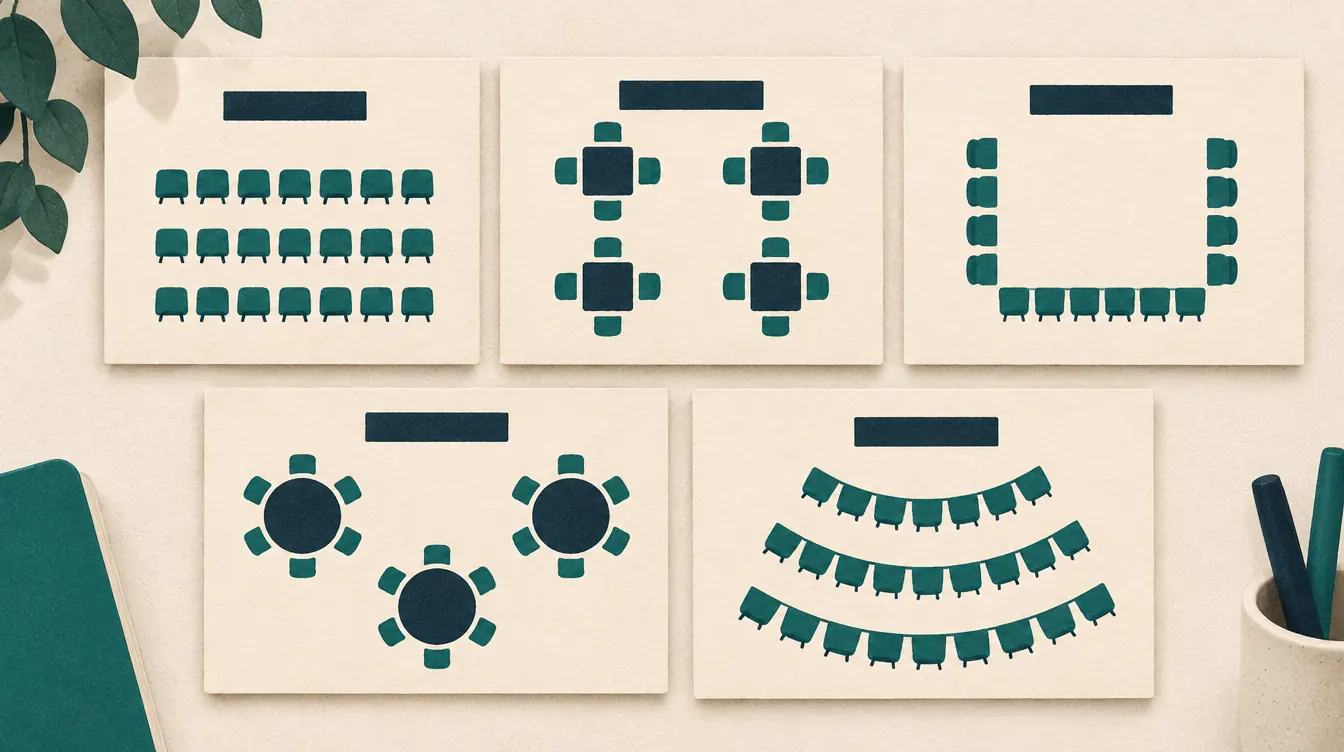
- The room has real shapes: pods, round tables, curved rows.
- You’re on a phone.
Questions to ask any generator
- Is it actually free, including printing and saving?
- Where do the names go? Uploaded to a server, or kept on your device?
- Can I get everything back out? A full backup and a spreadsheet export.
- Are rules clearly defined? What does “keep apart” mean, exactly?
- Does it ever break a must-rule to “succeed”?
- Can I undo anything?
This site’s seating chart generator is free, keeps names in your browser, exports CSV and full backups, defines every rule on screen, never breaks a must-rule, and undoes everything. Its limits — no real-time collaboration, no cloud sync, no measured floor plans — are stated plainly in help.
A sensible combined workflow
- Keep the master roster or guest list in your spreadsheet.
- Export it as CSV (UTF-8).
- Import into the seating chart, with a group column.
- Arrange with rules; save versions.
- Print the chart, lists and cards.
- Export the assignments CSV back to your spreadsheet if you need it there.
- Download a backup of the chart.
Related
Put this guide into practice — it’s free and takes a few minutes.
Create a chartNew here? Read the complete guide to the free seating chart maker .